
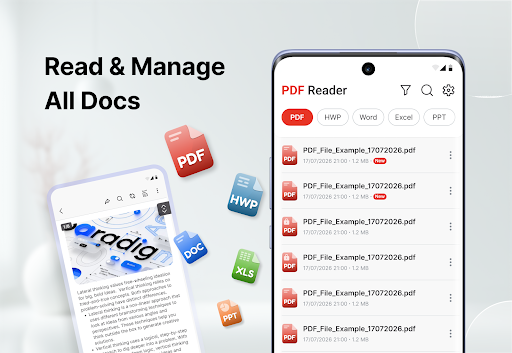
PDF Viewer – PDF Reader is an app designed to centralize various tasks related to document management. It allows users to not only open and read PDF files, but also to work with other common formats like DOCX, XLSX, and PPT. Beyond simple viewing, the app provides tools for annotating documents, creating digital copies from physical papers using a device camera, converting files between formats, and organizing a collection of documents. This comprehensive approach aims to streamline the handling of everyday files within a single application.
Document Viewing and Navigation
The app supports opening and reading several document types, including PDF, DOCX, XLSX, and PPT files. Users can choose between continuous scrolling or navigating page by page, and zoom in or out to adjust their view. For quick access to specific content, there’s a function to jump directly to a particular page or search for text within a PDF document. Additionally, the app offers both light and dark themes for comfortable viewing in different environments.
Annotation and Markup Tools
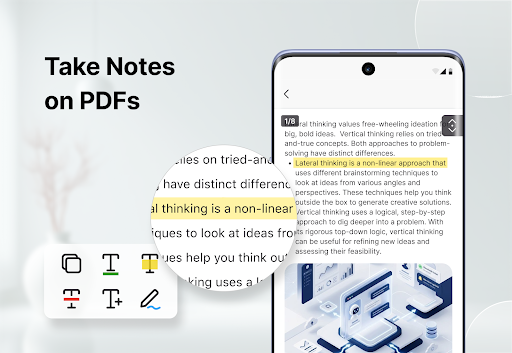
For users needing to interact with document content, PDF Viewer – PDF Reader includes a set of annotation tools. These allow for highlighting, underlining, and striking through text to emphasize or mark sections. Users can also add notes and comments directly onto pages or draw freehand. This functionality is useful for reviewing documents or marking important information.
Scanning to PDF
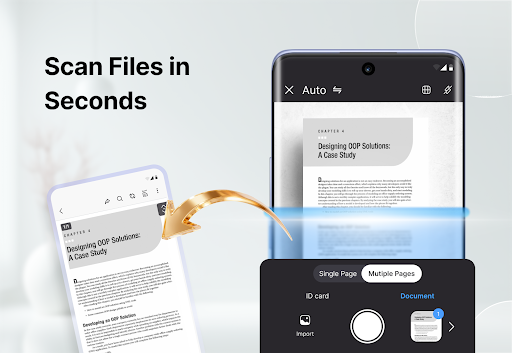
A key feature of the app is its ability to create digital PDF copies from physical documents using a device’s camera. This allows users to scan various paper files such as invoices, receipts, notes, forms, and books. The scanning process includes automatically detecting document borders and cropping pages before saving them as PDFs.
Document Conversion Capabilities
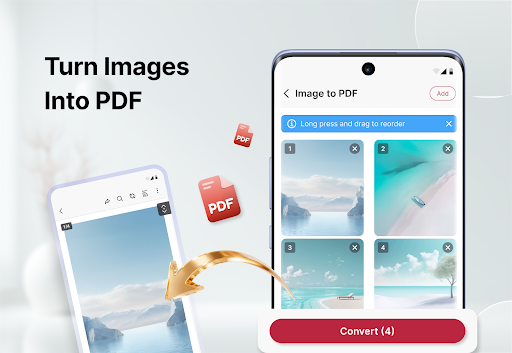
The app provides several options for converting documents. Users can create new PDF files from images, or convert existing Word and Excel documents into PDF format. Conversely, it’s also possible to export individual pages from a PDF document as image files. These conversion tools facilitate managing files across different formats.
File Organization and Management
To help users keep track of their documents, PDF Viewer – PDF Reader offers a centralized location to view all saved PDF files. Documents can be sorted by name, size, or by the date they were last opened. The app also includes basic file management functions, allowing users to rename or remove documents as needed. This helps in organizing work files, study materials, scanned pages, and eBooks within the app.
Combining and Sharing Files
The app supports operations that involve multiple documents, such as combining several PDF files into a single document. Conversely, it can also divide a larger PDF into smaller, separate documents. Once files are prepared, they can be shared through various platforms, including email, messaging applications, or cloud storage services.







Write a review